Thank you! Your submission has been received!
Oops! Something went wrong while submitting the form.

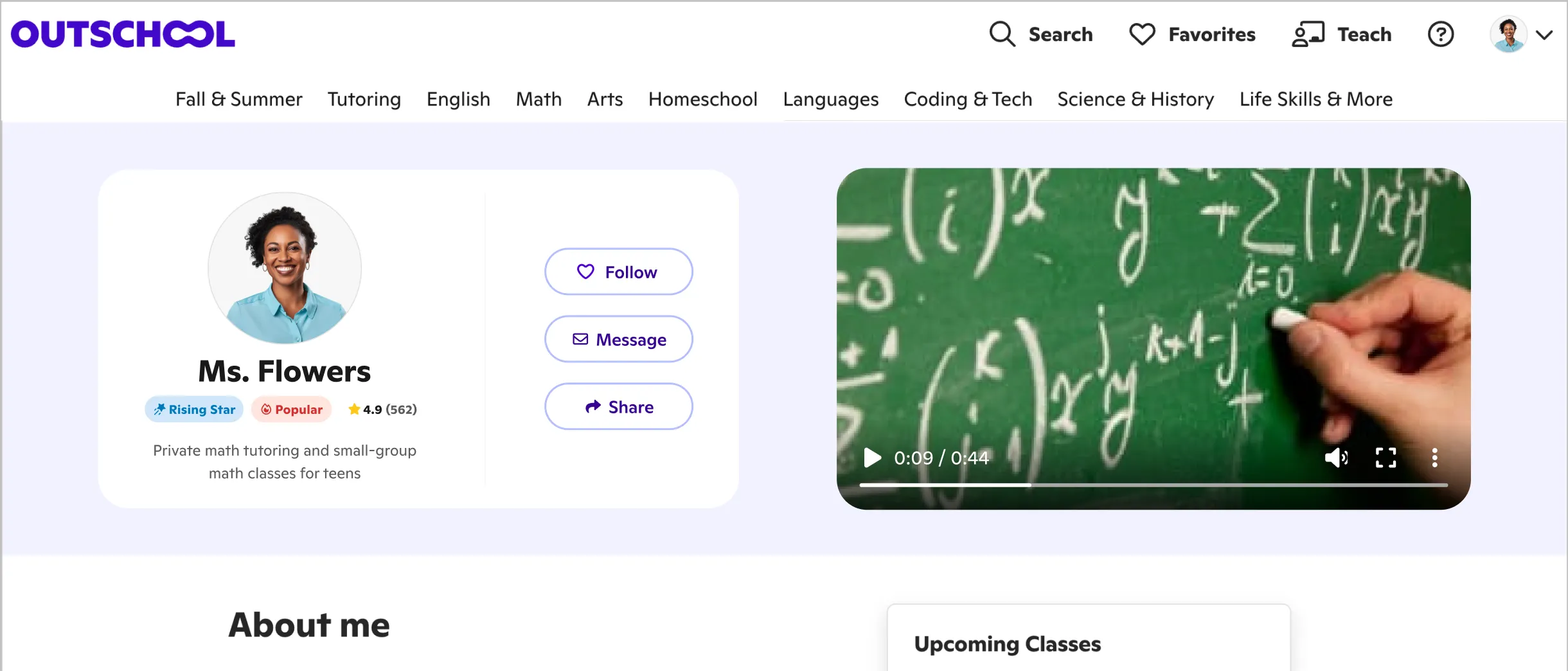
If you have a profile video on Outschool, you’re ahead of the curve. Way to put yourself out there! If not, there’s never been a better time to get started.
Families who don’t know you yet want to see your passion and expertise before they sign their children up for your classes. Show them your unique teaching personality and skills in a profile video that gets their attention.
Even if you already have a video that introduces yourself, it’s always good to update and refresh the way you present your teaching business to the world.
We’ll offer a few tips and tools next to get you started engaging families.
It’s important to know what you want to convey in your profile video. What kind of educator are you?
What other questions could you answer?
Of course, it’s important to introduce yourself and describe what types of classes you offer. You might want to share some fun facts or lead a mini-lesson. Time-lapse video anyone?
If possible, put elements of what you teach in your video. For instance, if you teach drawing, show some art! If you teach drama, share some images of you playing a character or directing a play.
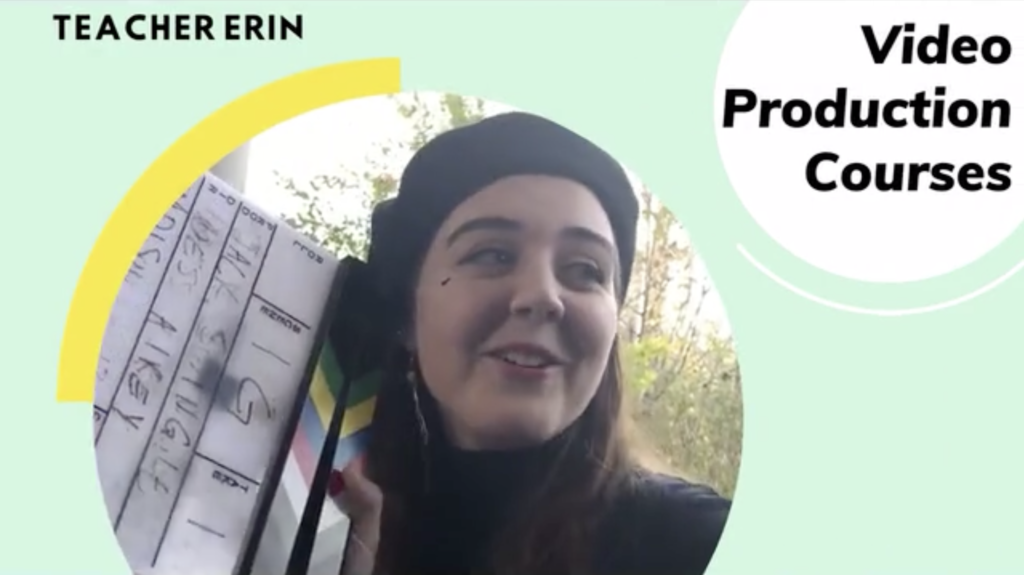
Take a look at one educator profile video on Outschool: introducing teacher Erin. To create her video, Erin started with video templates on the graphic design platform Canva, then added graphics, video, and voiceover.
For fun, we’ve identified some About Me video templates and About Me presentation templates in Canva (you can make a free account) to get you started with creating a profile video, new or improved. Both kinds of templates can be downloaded as a video.
These are designed to get you on the road to developing a video that uniquely describes you. You can change the colors, graphics, backgrounds, text, and well, pretty much everything, to create a video that reflects your brand.
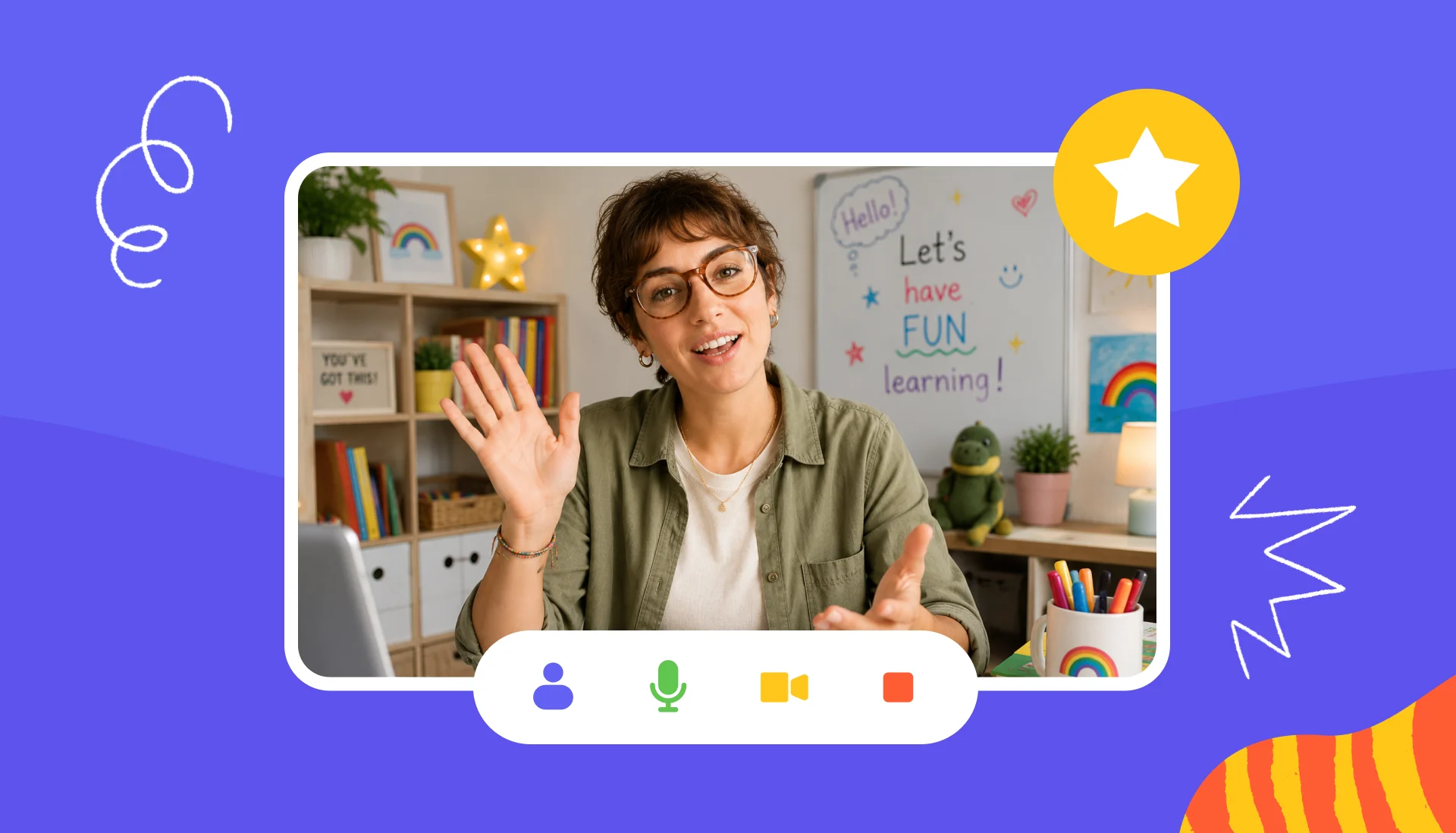
Another option is using an Outschool-style template in Canva that can provide intro and outro possibilities or a frame that contains your video.
Of course, this is just the tip of the iceberg in terms of what you can do to create an engaging introductory video. Feel free to experiment, play, and have fun. Besides bringing in photos and video, consider adding some music to enhance the mood as well as your own voiceover.
You’ll know when you’ve created a video that wows them, that leaves families excited to connect with you, because you’ll be revved up watching it!
If you’re new to creating videos and using Canva templates, we’ll pass on a few resources to help you navigate the creative process.
Outschool too has some guidelines for profile videos that you’ll want to follow.
Also leave off your personal information like websites or social media profiles, but knock yourself out posting your top-notch videos to Instagram, Facebook, or YouTube as well as other sites. Pump your marketing up another level by adding the Outschool logo to your video, if it’s not there already.
Finally, keep SEO in mind for your video content, especially if you plan to share it on social media platforms. A keyword or phrase that you use in your educator profile can be part of your video file name, description, and title.
Put your educator skills to use, and coach yourself to success with video marketing to promote your business venture!
Set your own schedule, price, and curriculum, and reach motivated learners around the world.